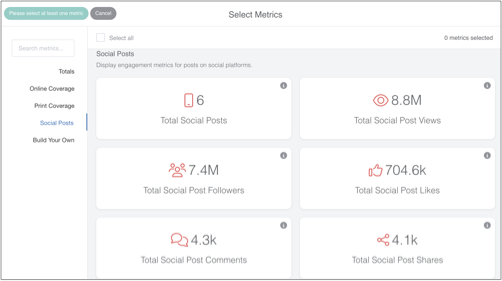

Bluesky posts can be added to Releasd, and their metrics included in the total figures for a report.
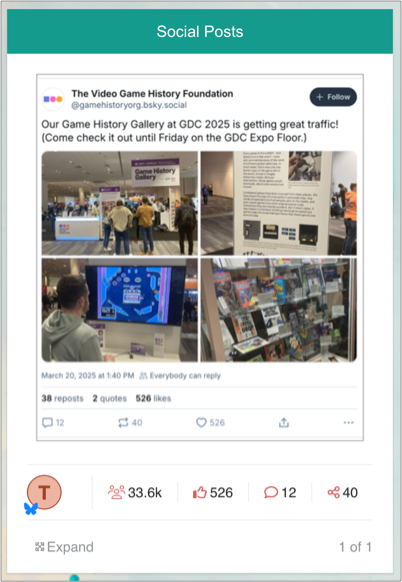
To add a Bluesky post to a Releasd report:
1. Screenshot the post on Bluesky (or take a screen recording)

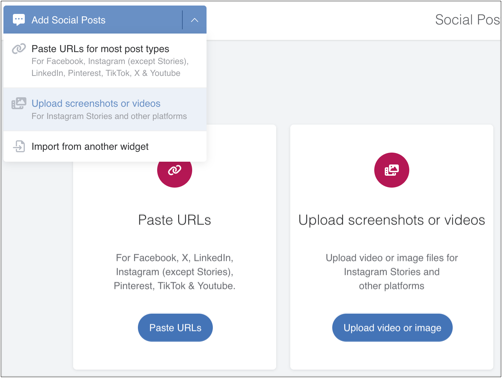
2. Drag on a Social Posts widget in Releasd, and select 'Upload Screenshots or Videos'
3. Upload your file, add the account name and select Bluesky from the dropdown
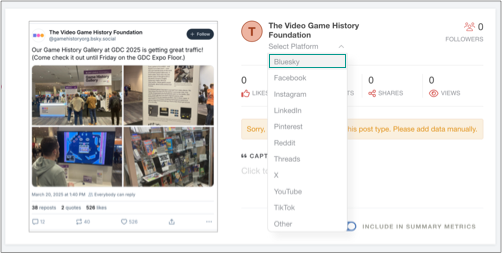
4. Optional: add the known metrics for the post and click save

5. Optional: add a Summary Metrics widget: the post and related metrics will count towards the totals
For example, if you have added one post each from YouTube, LinkedIn, Instagram, TikTok, Facebook and X - all of which get automated metrics - and one further post from Bluesky - then the total posts will be 7.