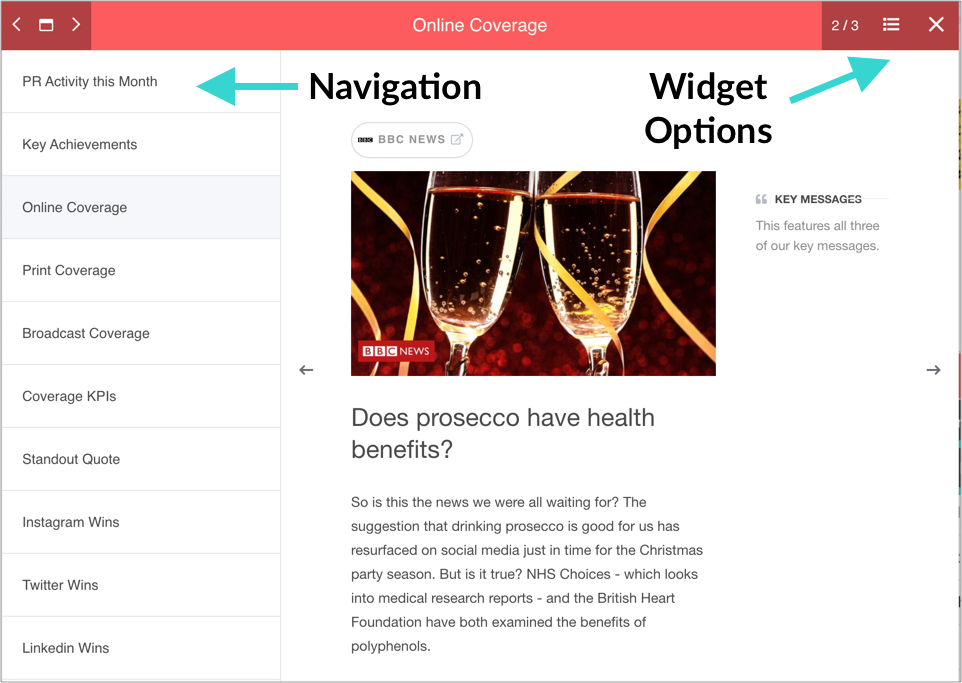

Releasd Pages can be viewed full screen, much like a PowerPoint.
There are three ways in which this can be accessed:
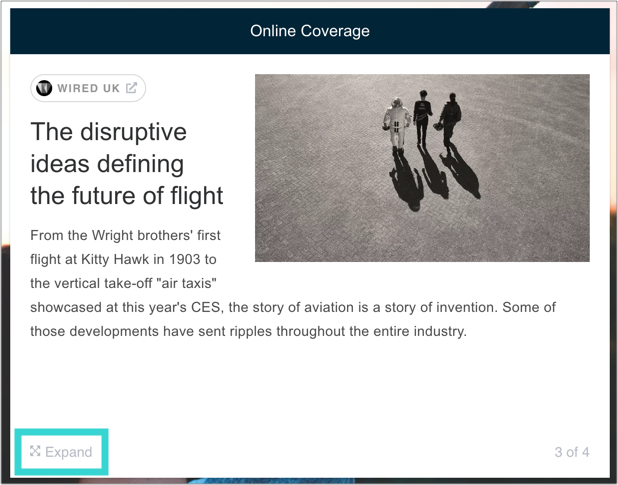
1. By clicking on the Expand icon in the footer of any widget (in the public Page Viewer)
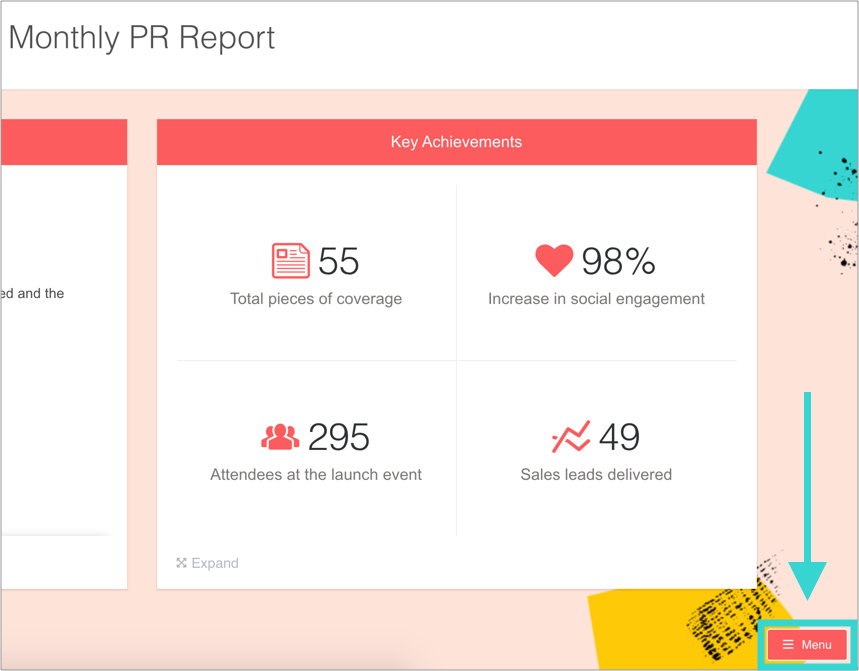
2. By clicking the 'Menu' icon in the public Page Viewer...
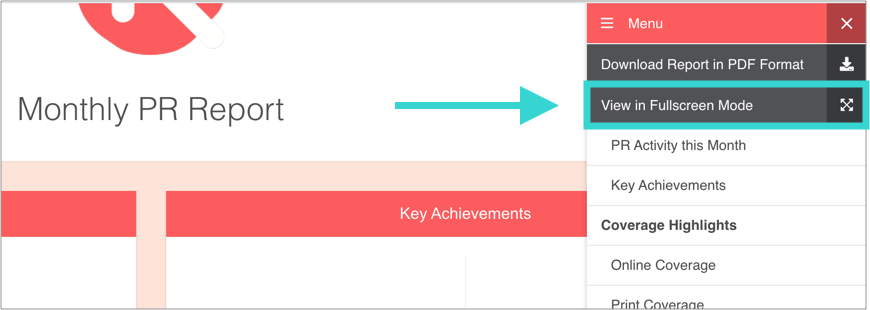
...then selecting 'View in Fullscreen Mode'
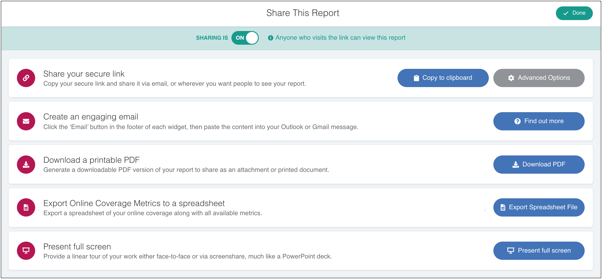
3. Via the Share modal (accessed via the Toolbar footer or Pages tab in the Control Panel
Tip: The icons in the top left allow you to view/skip to widgets. The icons in the top right offer options for the widget that's currently being viewed. You can also navigate within widgets that have multiple pieces of content (e.g. Online Coverage)