

Sometimes, a hard copy of a report is required.
Maybe you want to print it out and drop it on the desk of a more traditionally minded colleague.
Or maybe you want to attach it to an email to cover all bases.
Whatever the requirement, it's easy to generate a PDF version of your Page.
About the PDF Export
The cover and design throughout are inspired by the Brand you have created:

The PDF includes a contents slide for easy navigation:
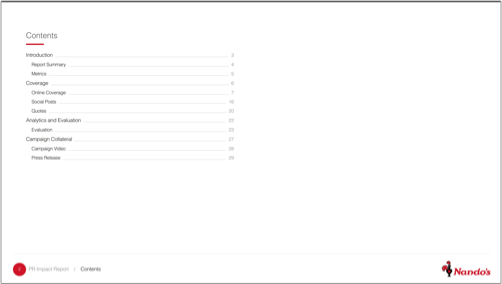
Sections in the online report are also represented:

And of course the content in the report is also included:
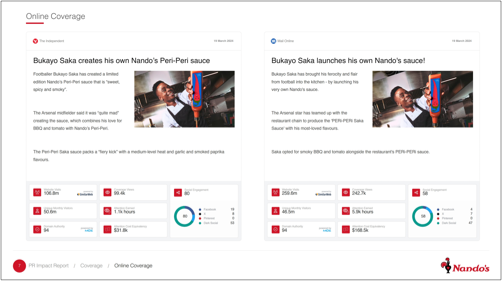
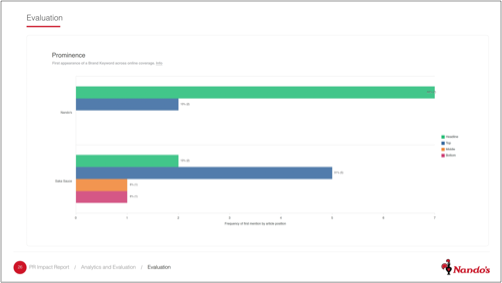
How to generate the PDF Export
There are three ways to generate the PDF.
1. Via the Control Panel
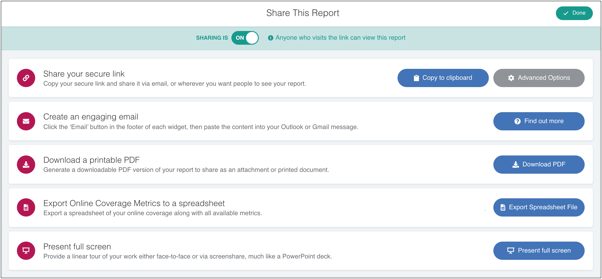
Simply go to the Pages tab, then click on the 'Share' icon next to your page.
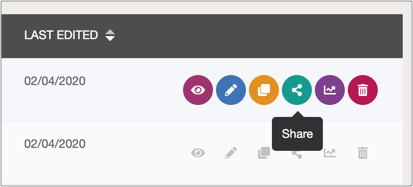
This will bring up the Share modal:
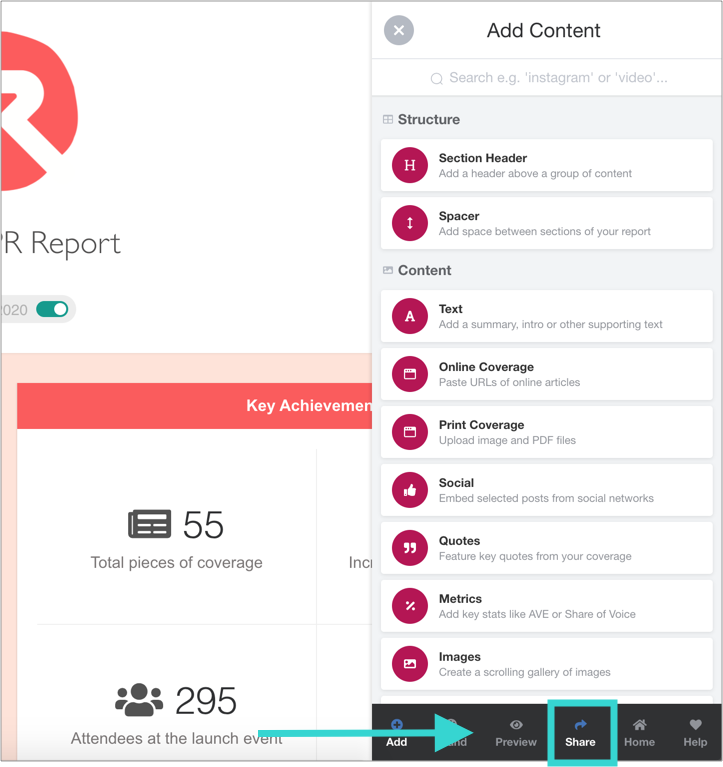
2. Via the Toolbar in the Page Builder
3. Via the public Page Viewer
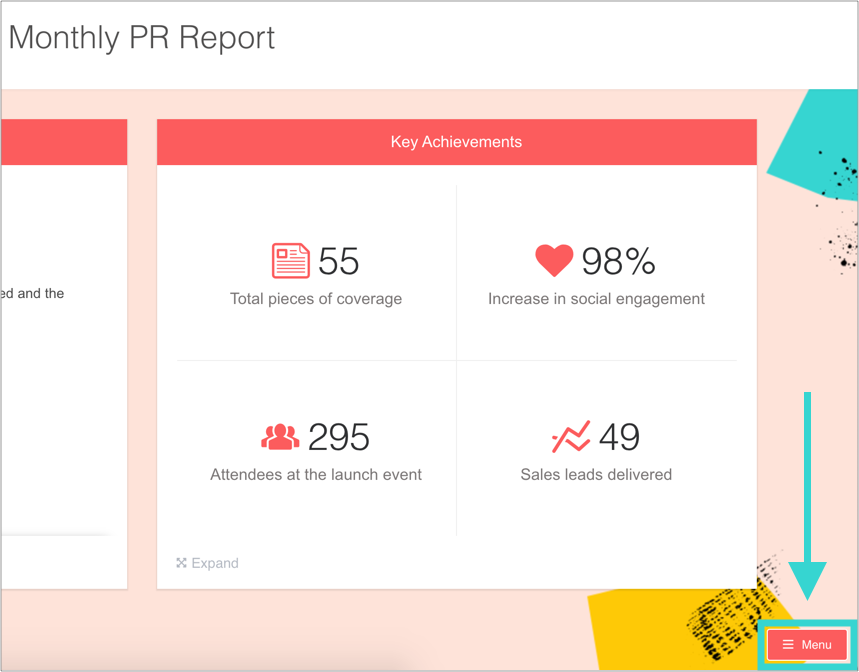
i) Go to the public view of the page and click the Menu icon.
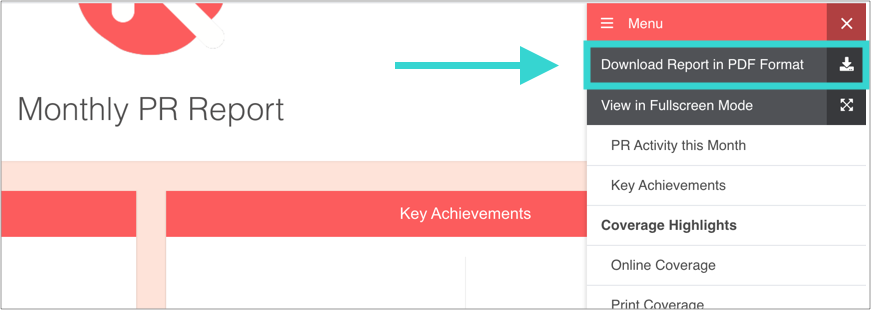
ii) Then click 'Download Report in PDF format'
You'll see a progress icon which will let you know when the process is complete.
Tip: The larger the report, the longe the process is likely to take!