

Welcome to the Spokesperson Quote Inclusion deep dive article. Below, we cover:
Overview & Use Cases
How we Measure Spokesperson Quote Inclusion
How to add a Spokesperson Quote Inclusion Chart (Evaluation Widget)
How to add Spokesperson Quote Inclusion Total Metrics (Summary Metrics Widget)
1. Overview & Use Cases
As the name suggests, Spokesperson Quote Inclusion tracks the number of times that spokesperson quotes are included across all online coverage in a report.
Quotes serve a similar purpose to Key Messages, but are delivered in a more nuanced, human way. They can bring authenticity and personality to a story, while also reinforcing the authority of the individual or brand behind the message.
Manually tracking quotes can be labour intensive and prone to human error - especially as they are often split across an article.
Releasd can detect quotes across all online coverage on-demand.
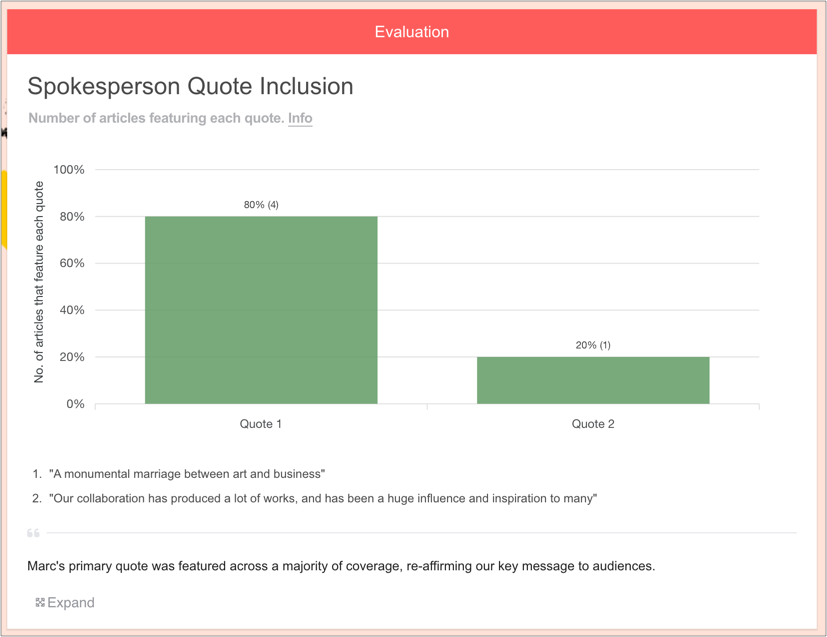
Why Spokesperson Quote Inclusion is useful
PRs use Spokesperson Quote Inclusion to:
Demonstrate that critical elements of a story have been successfully communicated to the target audience
Compare the performance of different quotes side-by-side
Make more informed decisions about media strategy and tactics going forward
2. How we Measure Spokesperson Quote Inclusion
The process of detecting Spokesperson Quotes works as follows:
Online coverage is added to a Releasd report
Based on the quotes added by you, our trained AI systems read all coverage and detect their presence, even if any given quote is split across an article*
Appearances of Spokesperson Quotes are grouped plotted on a bar chart
*For example, if a Spokesperson Quote from a press release is:
"This is a monumental marriage between art and business. We couldn't be prouder of our collaboration with Murakami."
Then our system will detect the quote if it appears in any of the following ways:
"This is a monumental marriage between art and business and we couldn't be prouder of our collaboration with Murakami."
"This is a monumental marriage between art and business" said Marc Jacobs. He continued "We couldn't be prouder of our collaboration with Murakami."
3. How to add a Spokesperson Quote Inclusion Chart (Evaluation Widget)
i) First, add some Online Coverage to your report
Drag on the Online Coverage widget and enter some URLs.
You can learn how to do this here.
ii) Add an Evaluation widget to your report
You can find this in the Toolbar.
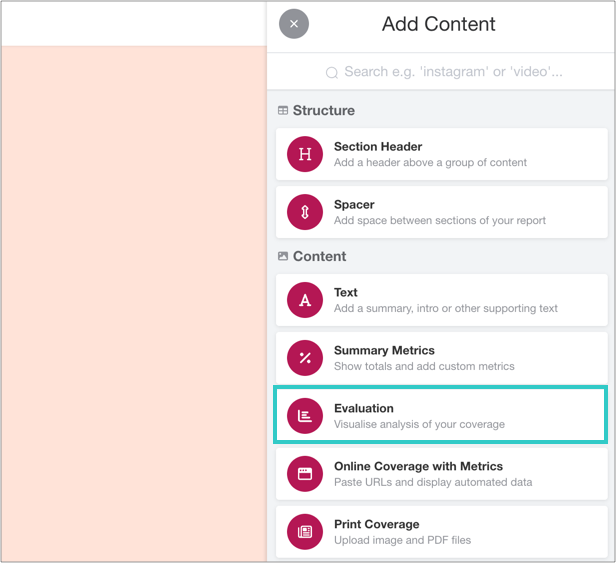
iii) Click 'Add Evaluation'
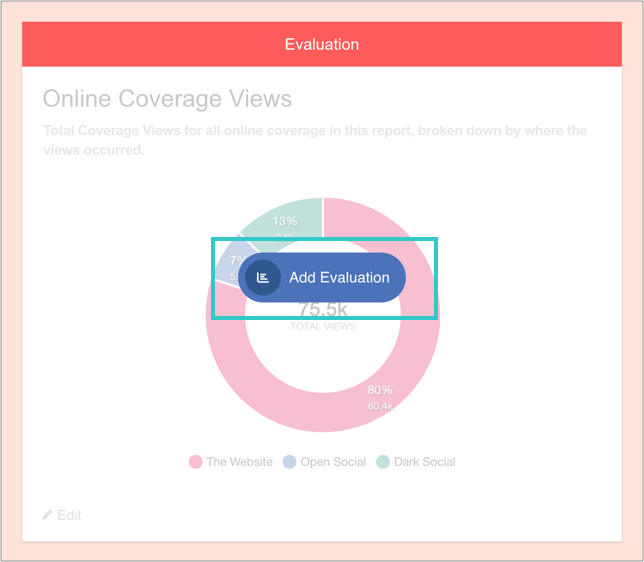
And then 'Add charts':
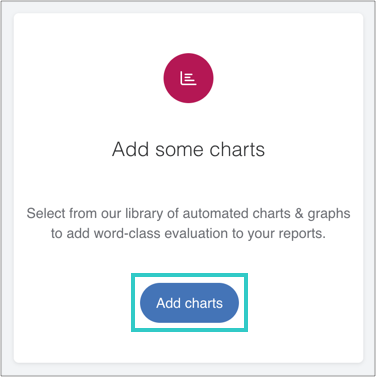
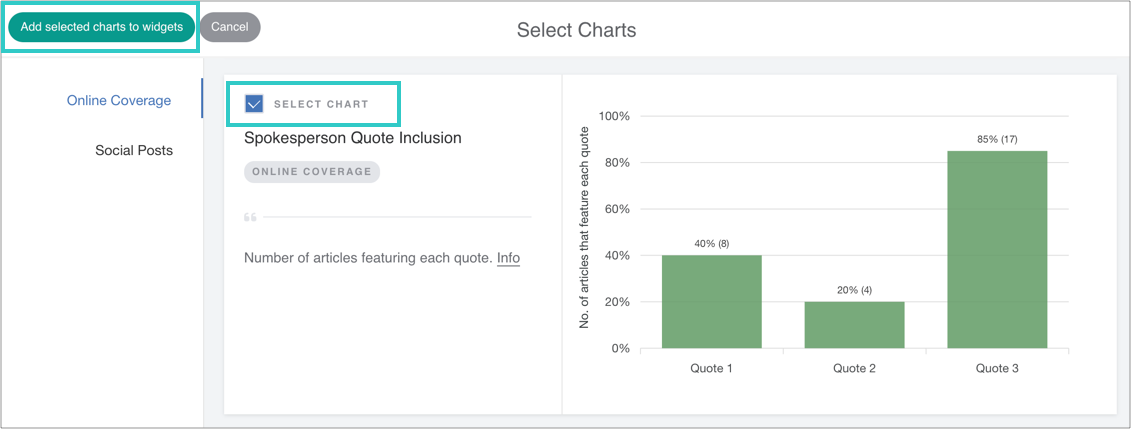
iv) Select the chart, and then add it to the widget
v) Manage Spokesperson Quotes
Spokesperson Quotes are often included in press releases. When they are featured in media coverage, they can be included verbatim, or split as described in the 'How we Measure Spokesperson Quote Inclusion' section above.
When adding quotes to Releasd, simply add the full quote and (optionally) quote source.
Examples of Spokesperson Quotes:
✅ "This is a monumental marriage between art and business. We couldn't be prouder of our collaboration with Murakami."
✅ "We're excited to launch the new proposition; it should help fuel further growth in the hot sauces category."
Avoid using specific Brand Keywords, Key messages or pure Backlinks, which are better suited to other charts:
❌ Diet Coke (Brand Keyword)
❌ The series will launch on Netflix on 21st May in 5 key territories (Key Message)
❌ www.example.com (Backlink)
Adding Spokesperson Quotes:
To add a quote to be analysed in this chart, either:
Select from recent quotes
Add a new quote
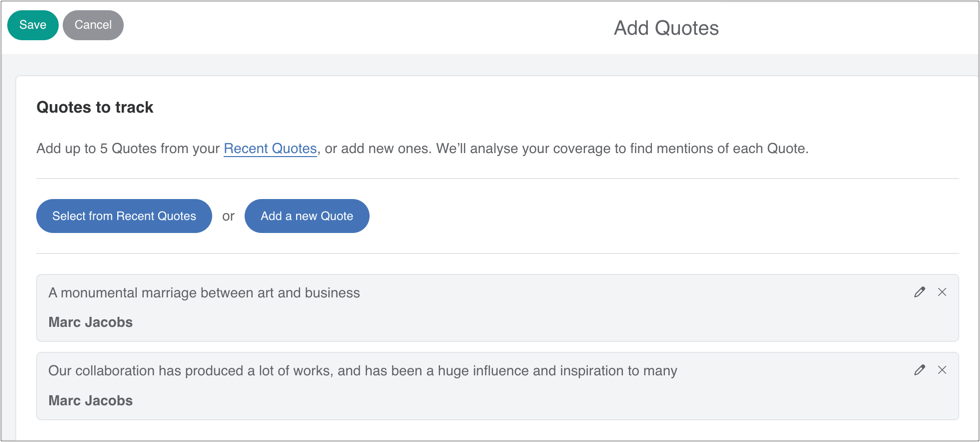
Existing quotes can be edited, or removed.
If adding a new quote, paste it in verbatim (quote marks and source are optional).
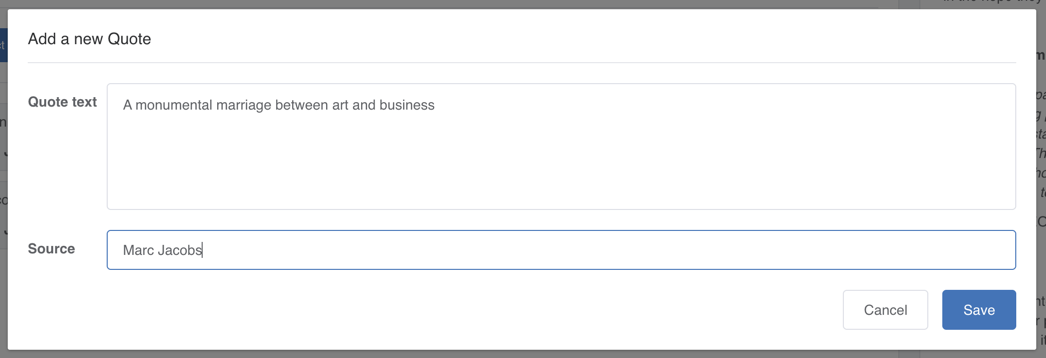
Click Save when done.
vi) Optional: reorder, edit or delete the chart - or add a caption
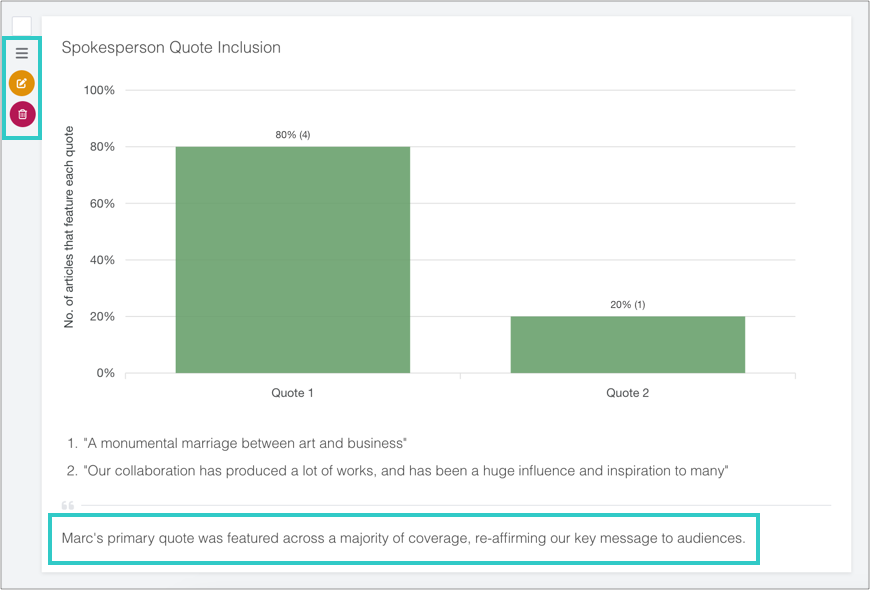
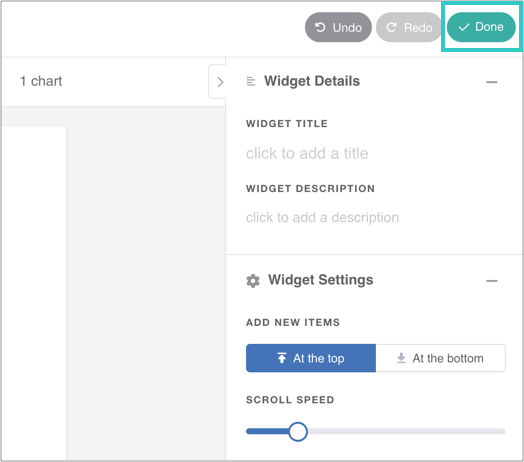
vii) Finally, click 'Done' to save the widget
The chart will automatically update as you add online coverage to the report.
4. How to add Spokesperson Quote Total Metrics (Summary Metrics Widget)
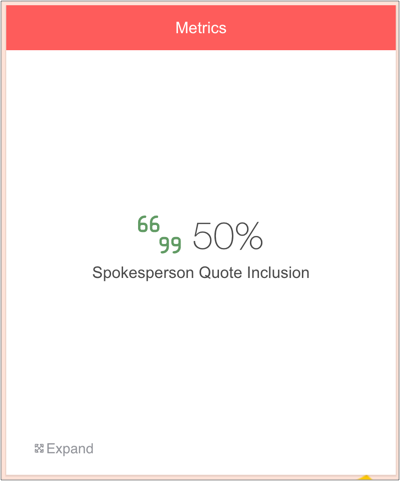
The Summary Metrics widget displays total figures in a visual infographic.
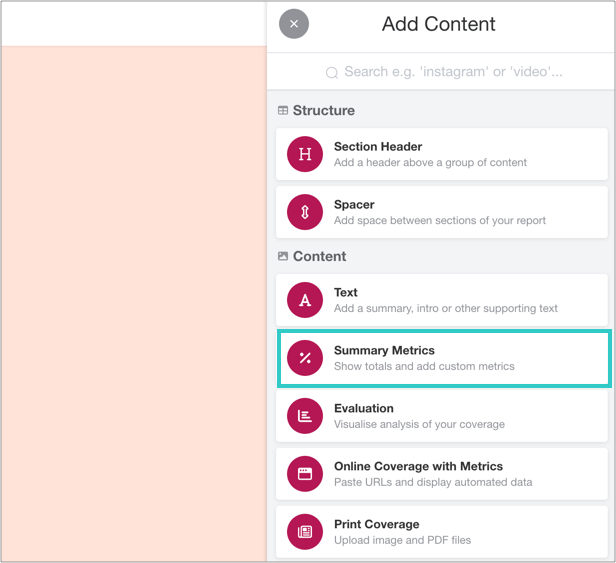
i) Add a Summary Metrics widget to your report
You can find this in the Toolbar.
Click to open the widget and add metrics.
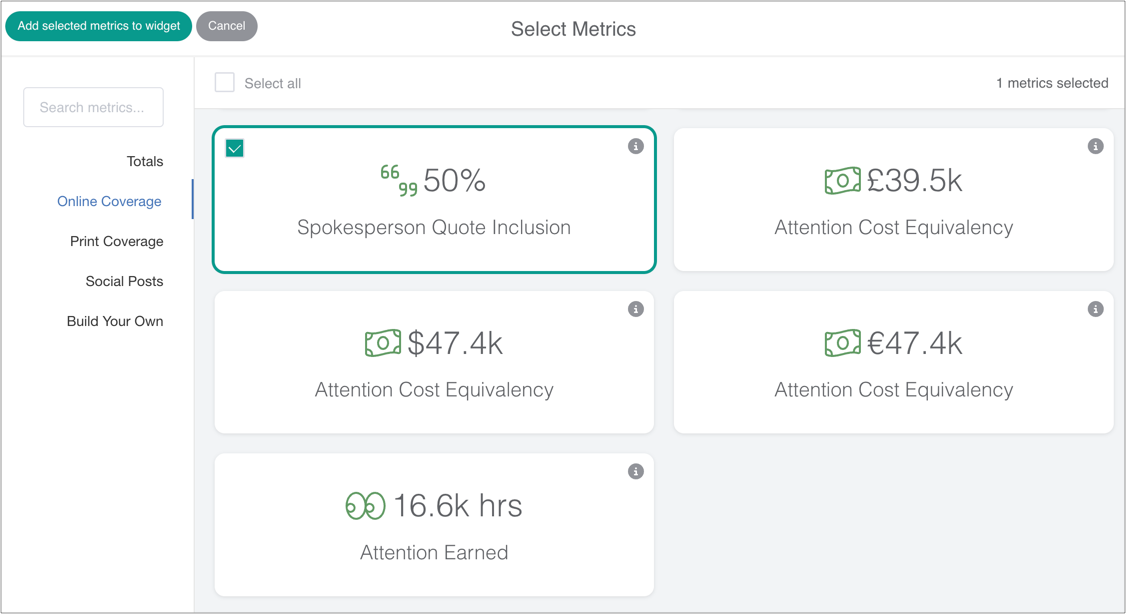
ii) Scroll to the Online Coverage section
The Spokesperson Quote Inclusion metric in this context denotes the percentage of online articles that featured at least one quote.
iii) Save the widget
Once added, click to save the widget. Metrics will automatically update alongside evaluation.