
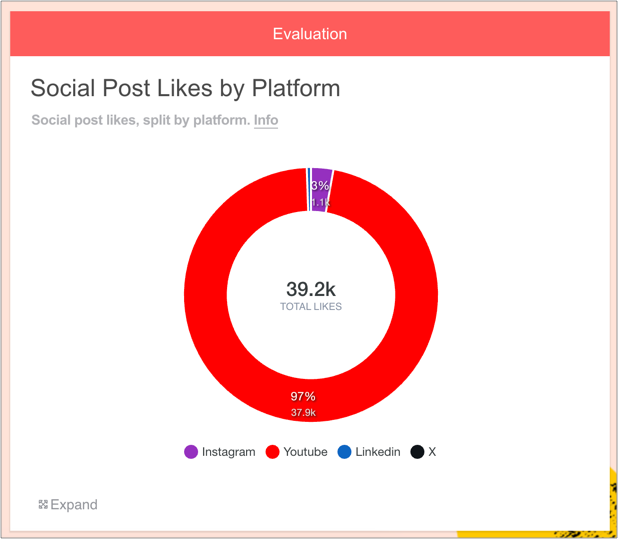
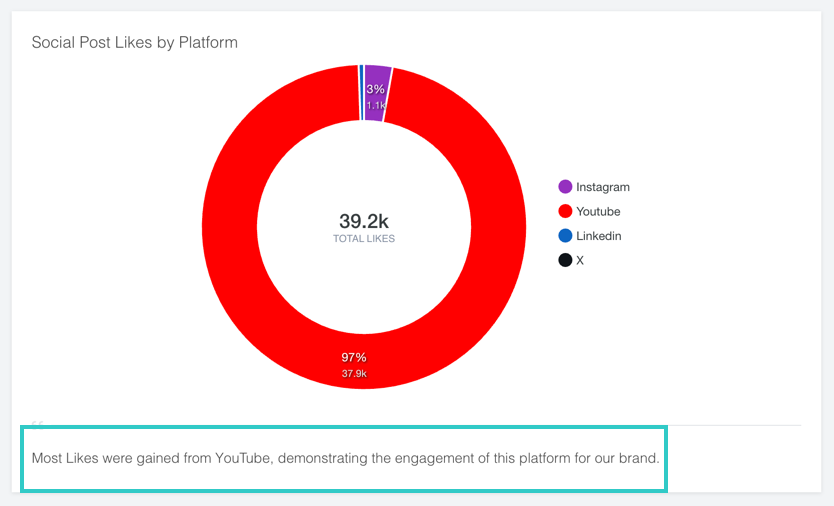
The Social Post Likes by Platform chart can be accessed via the Evaluation widget.
Why it's useful
PRs can use this chart to:
Establish which platforms yield the best returns in terms of Likes
Further investigate the Social Posts widget to see which specific posts were most productive
Make better decisions in terms of content and targeting in future
How to add this chart
1. First, add some Social Posts to your report
Drag on the Social Posts widget and enter some URLs.
You can learn how to do this here.
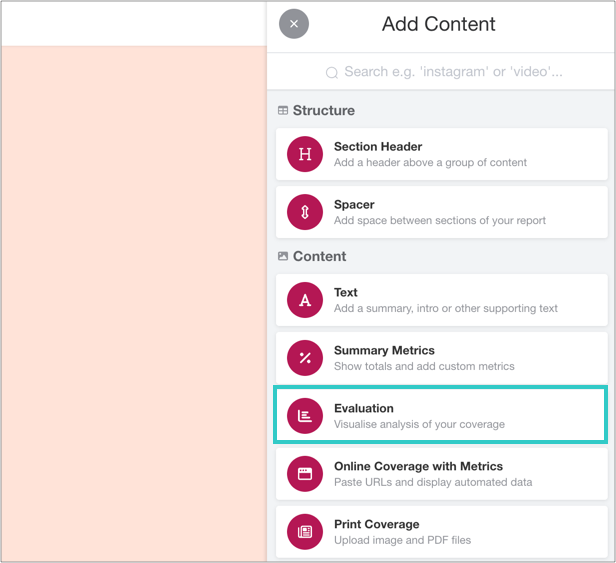
2. Add an Evaluation widget to your report
You can find this in the Toolbar.
3. Click 'Add Evaluation'
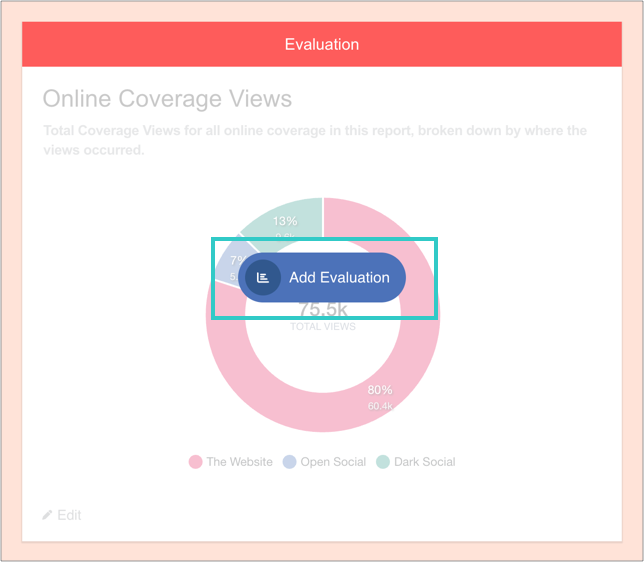
And then 'Add charts':
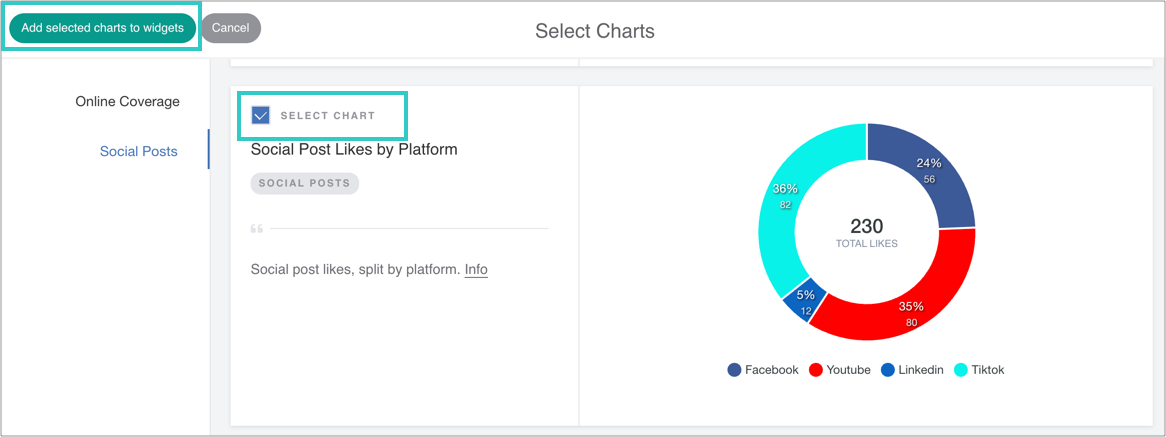
4. Select the chart, and then add it to the widget
5. Optional: add a caption, reorder or delete the chart
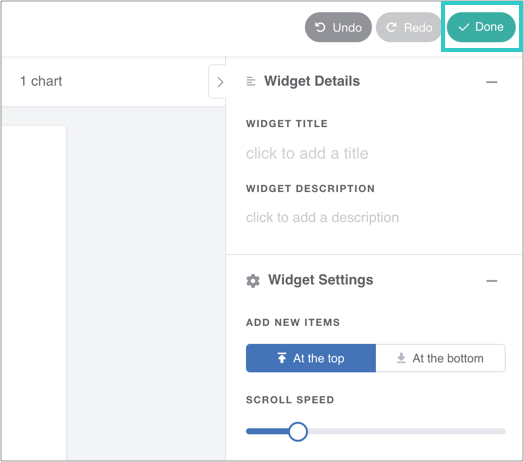
6. Finally, click 'Done' to save the widget
The chart will automatically update as you add online coverage to the report.