

The Online Coverage with Metrics widget provides data about the website on which the coverage appeared, views of the article, and how it's being shared and engaged with across social media.
Occasionally, a website may receive no detectable traffic. In such cases, the Monthly Visits (Reach) figure will be 0. Since our Coverage Views metrics relies partly on Reach, that will be 0 too.
More frequently, social shares of a given article will be 0 (the fact is that most stories are not shared). Here's an example of how that would be displayed:

Switch off metrics that show zero
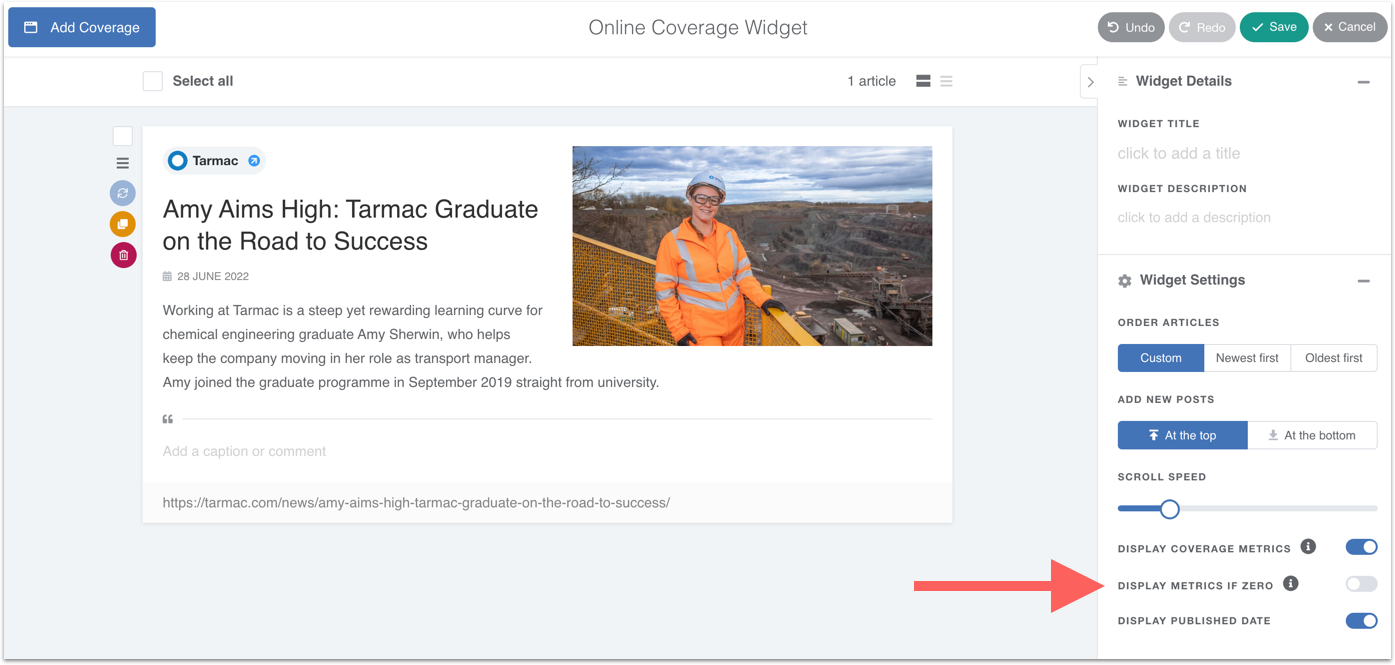
Within the Online Coverage with Metrics widget, you can choose to switch off any metrics that show 0.
Open the widget and switch off DISPLAY METRICS IF ZERO as shown below:
Now, the system will hide any metrics that show 0: