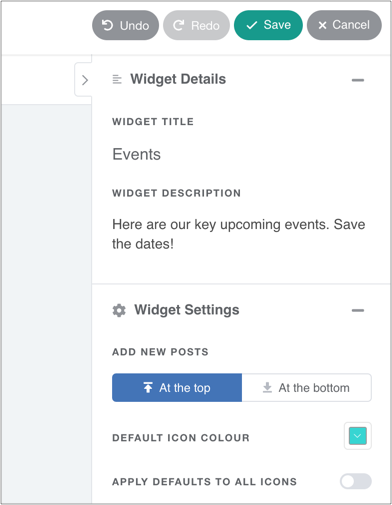

Releasd can be used to highlight forthcoming events.
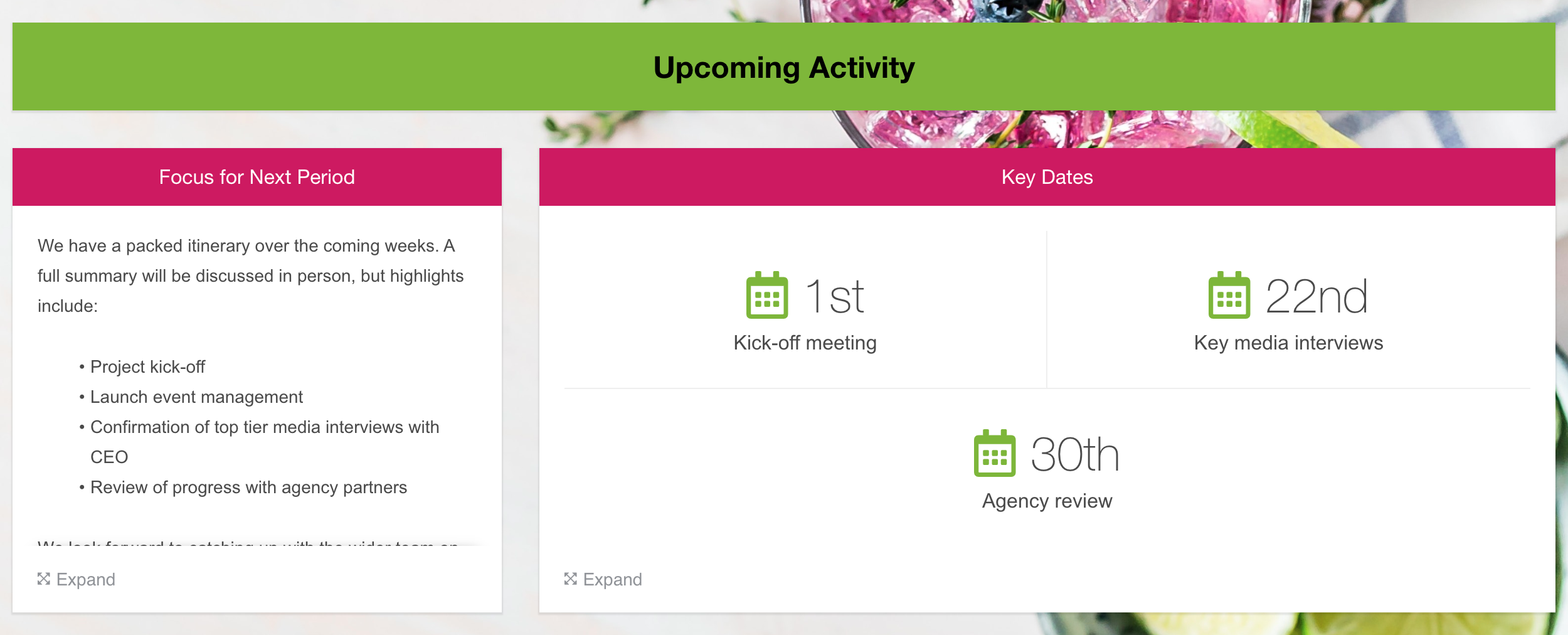
Above we have used a Header widget and Text widget.
Next to it you will see some dates. For this, we use the Summary Metrics widget. Here's how it works:
1. Drag on a Summary Metrics widget...
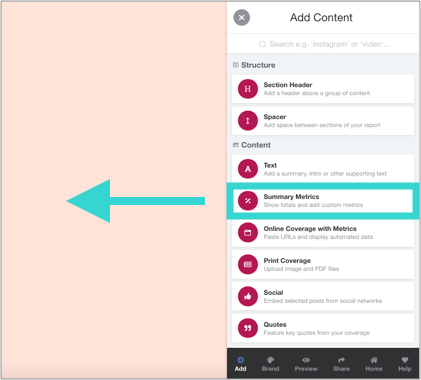
...and select 'Create your own'
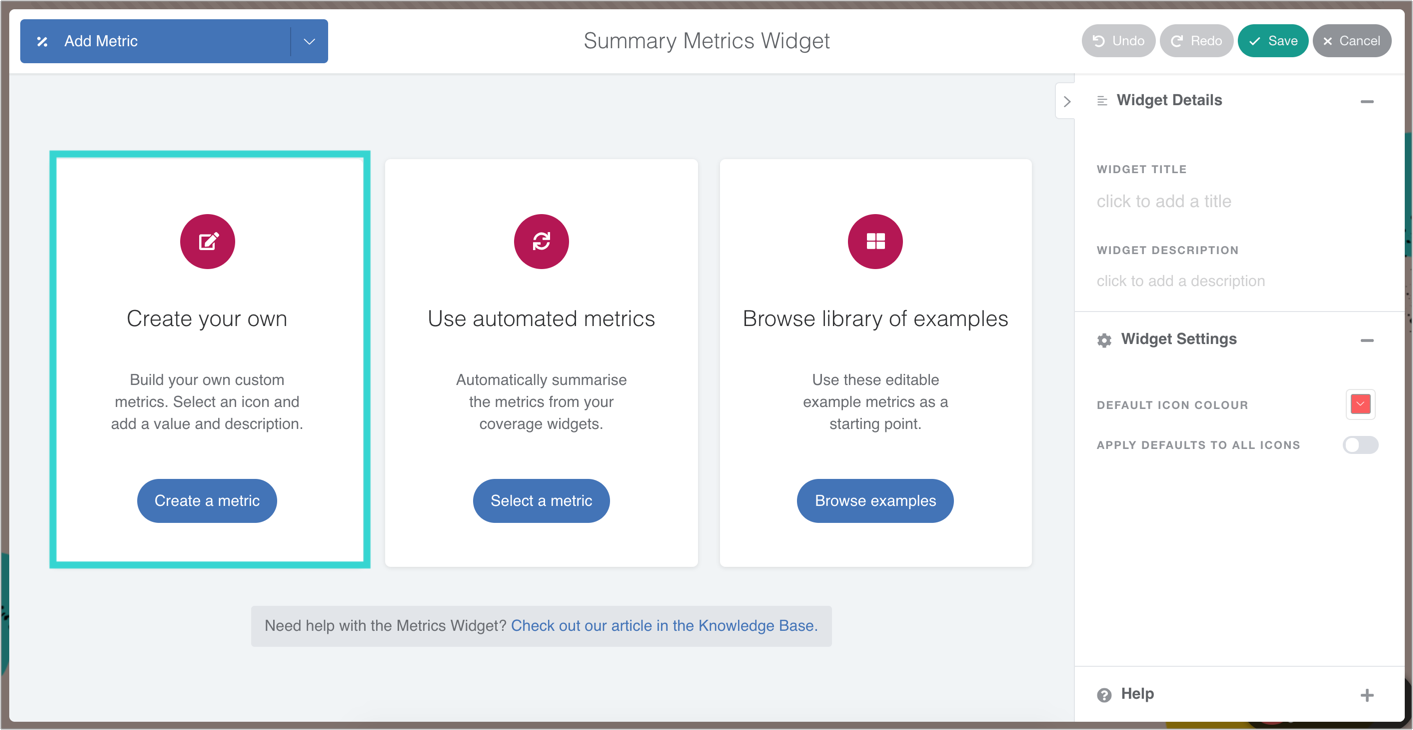
2. Type a date and description
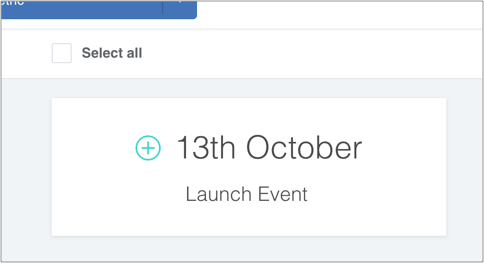
3. Click on the + symbol to add an icon
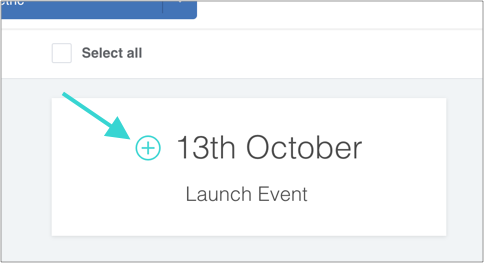
4. Search for 'calendar' (or any other icon) and select one

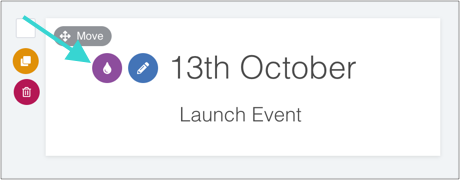
5. Change the colour if required
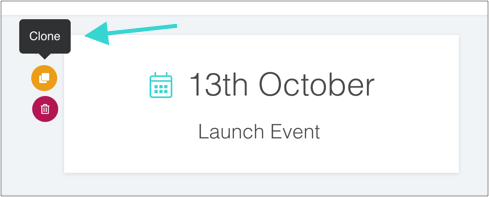
6. Clone the card to save some time (you can drag them around too)
Tip: Add a title, description and adjust all colours in the sidebar