

The following document types can be embedded into a Releasd page:
PDF
PPT & PPTX
DOC & DOCX
XLS & XLSX
Which means you can upload collateral including:
Press releases
Coverage trackers
Reports and white papers
Crisis packs
Presentations
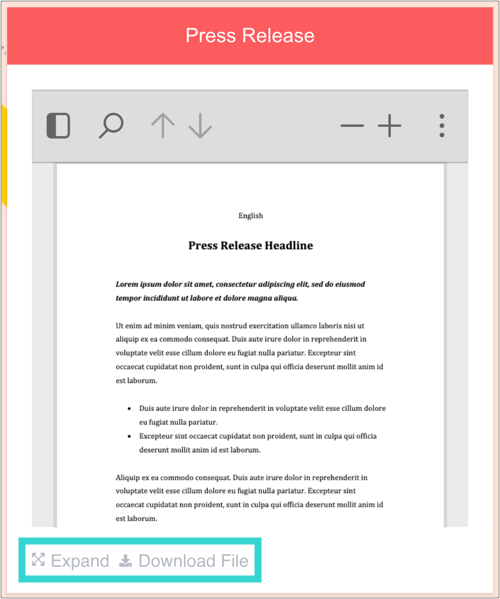
Note: Clicking Expand allows users to view full screen. They can also download the original file.
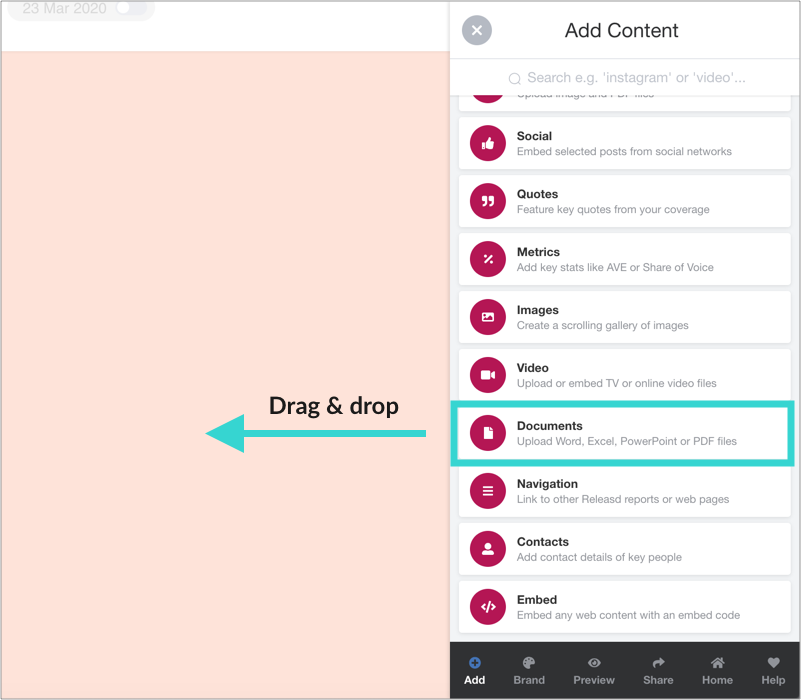
1. Drag and drop a Documents widget
Then click the blue button.
2. Add a Title and optional Description
And decide whether recipients can download the original file.
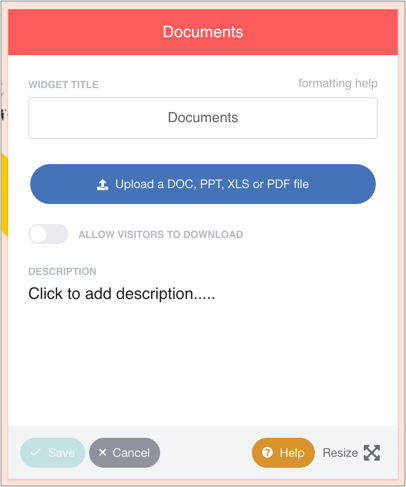
3. Upload a file from your computer
It will then be processed and transformed into a web-friendly version that can be viewed within the widget, full screen or downloaded.
Tip: Large files may take a long time to process. We recommend optimising PowerPoint images to reduce filesize for example.