

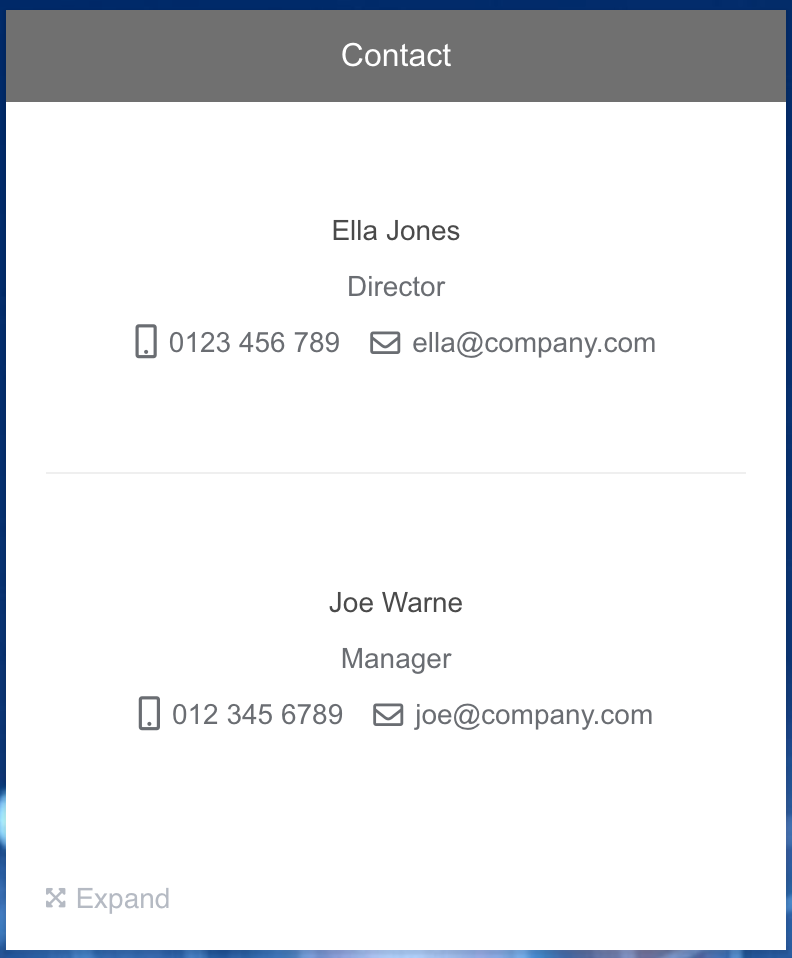
Add an unlimited number of contacts. Include names, positions, organisations, phone numbers and email addresses.
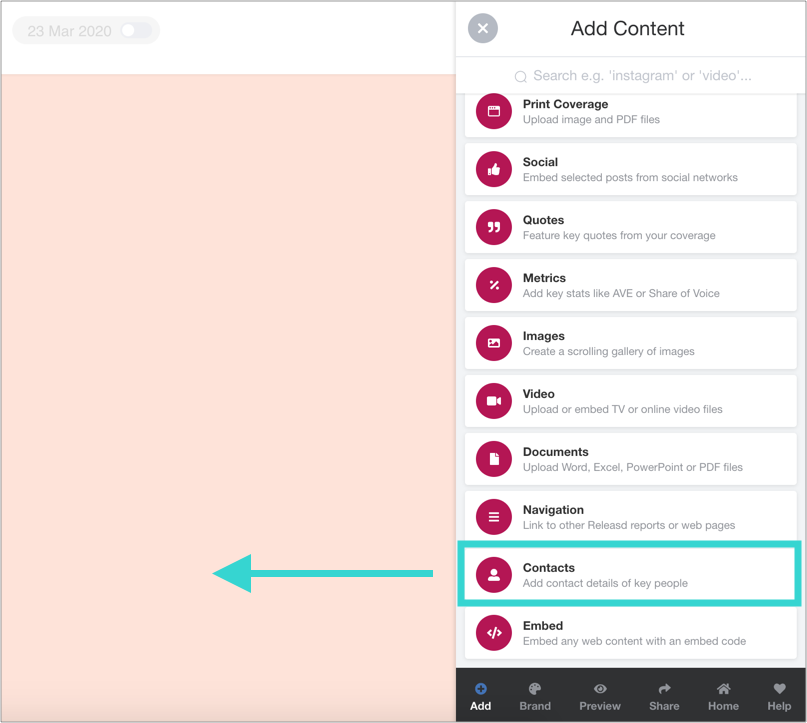
1. Drag and drop a Contacts widget onto the page
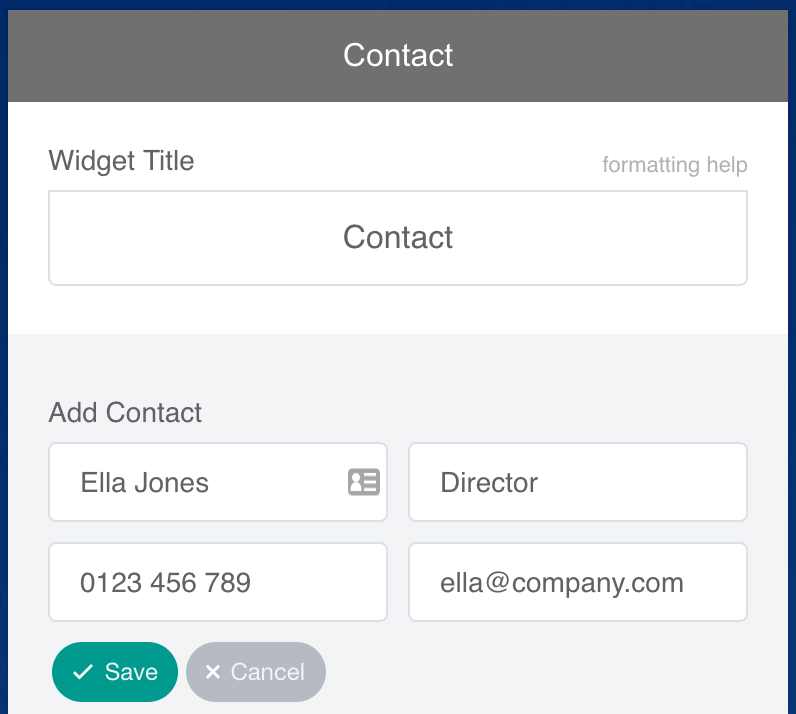
2. Add contact details. Be sure to click to save the entry
3. Add new rows as needed and be sure to save them too
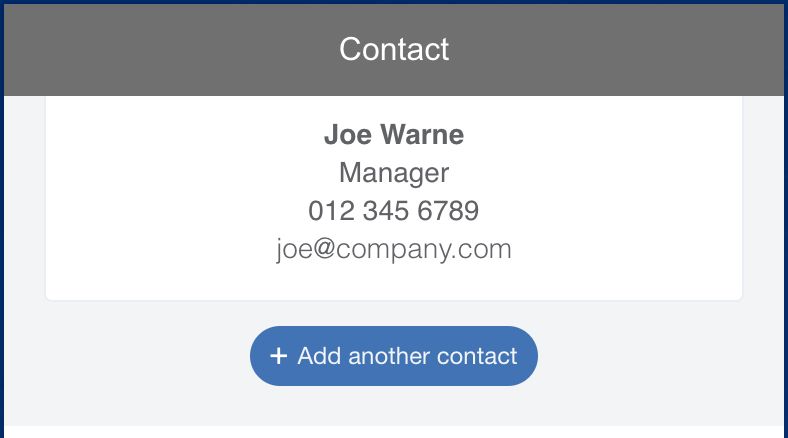
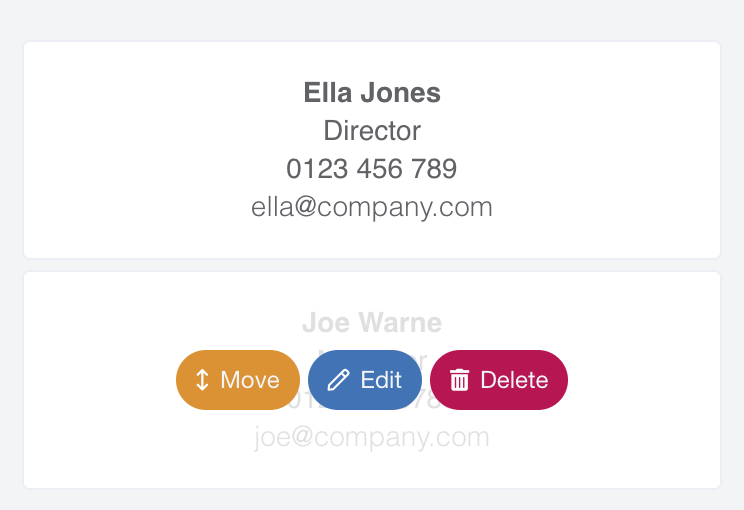
4. Reorder the contacts if needed
5. Finally, when you've saved each entry, save the widget