

Logo

Welcome to the Releasd Knowledge Base

Explore our step-by-step user guides & learn best practice.

How Can I Quickly Find Pages In The Control Panel?

FAQ

How Can I Quickly Find Pages In The Control Panel?

Use the Brands filter to find Reports in seconds.

Last updated on 03 Dec, 2021

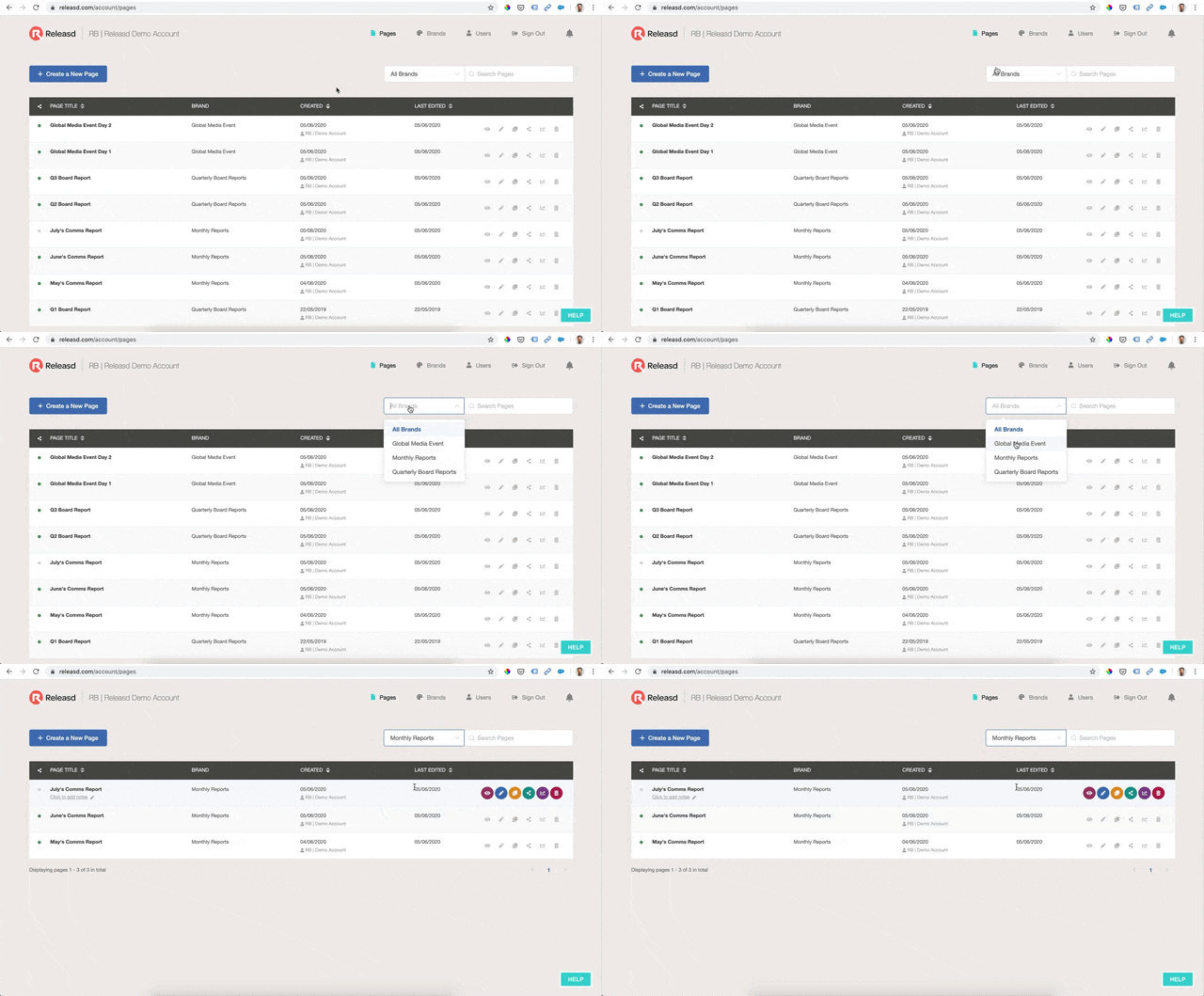
If you have lots of Pages in your Control Panel, it's worth using the Brands drop down to quickly find the ones you want.
 

Image


You'll find the Brands drop down in the Pages tab of the Control Panel. 

When you select a Brand, only Pages under that Brand will be displayed.

Did you find this article helpful?
Previous

Will Updating a Publication Affect Historic Print Coverage?

Next